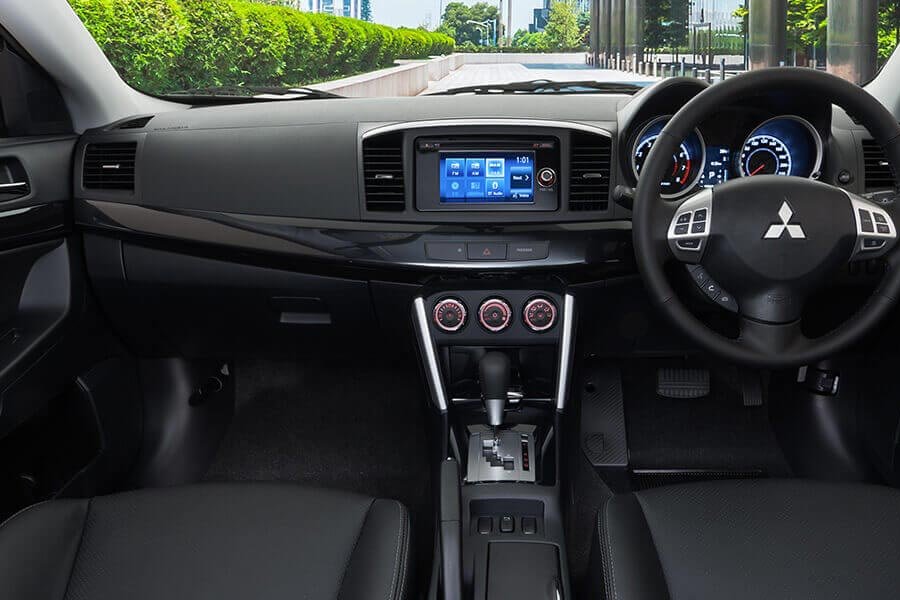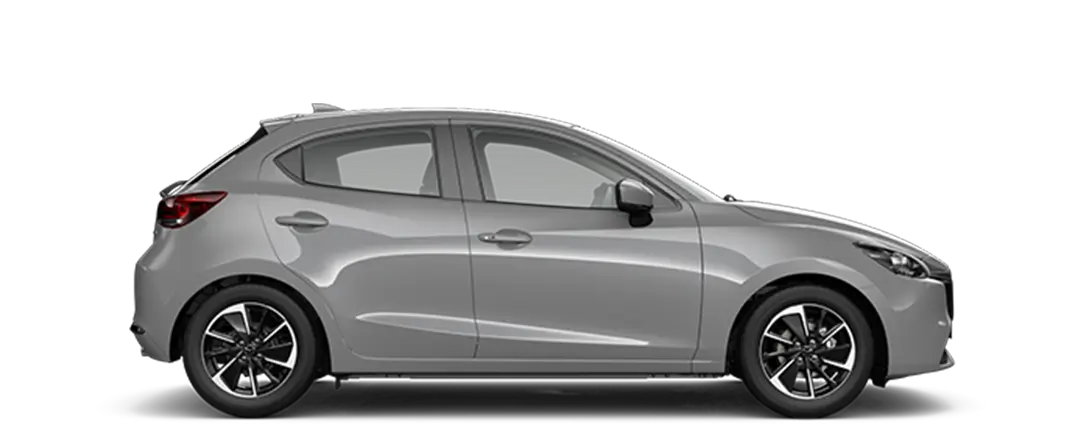
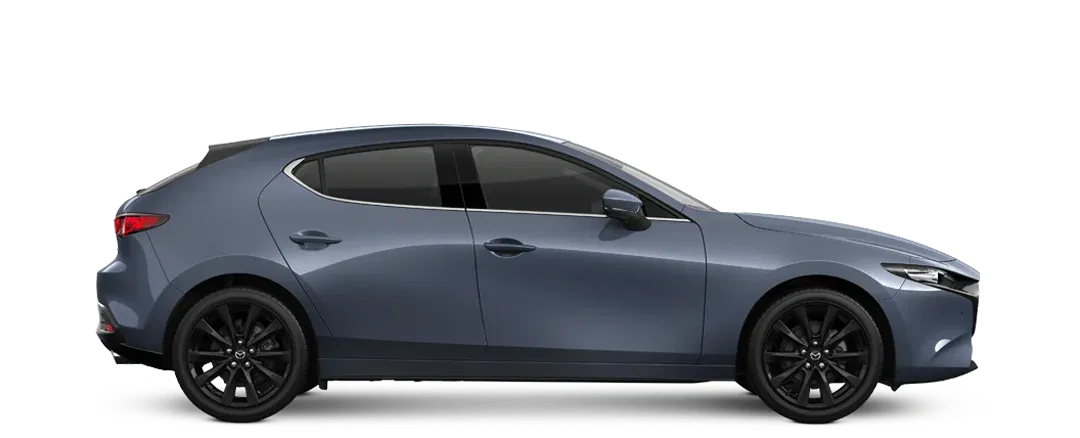


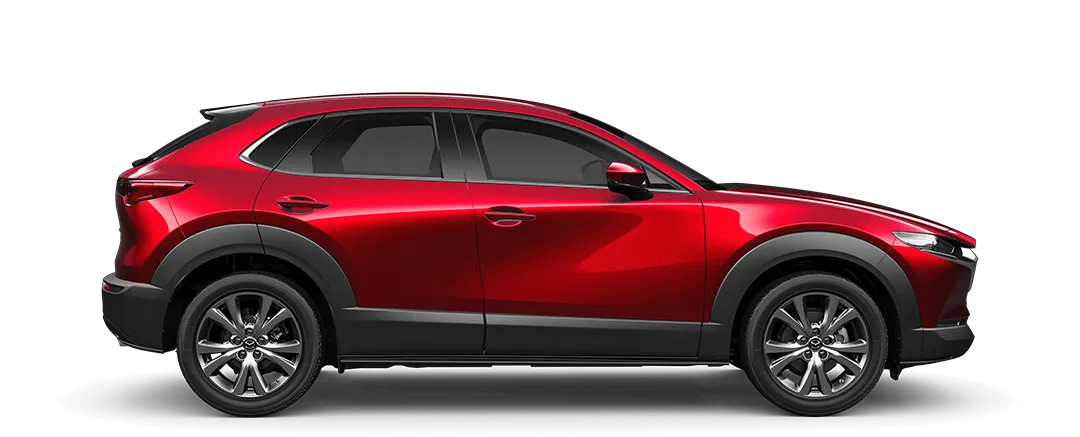




Use HTML/CSS to change the number of items to show and slide at once (flex d-four-cols for example).
“is-snapped” is the new class for the current slide in view.
<div
			class="embla"

			data-loop="false" // Turn off looping of slider

			data-arrows="false" // Turn off arrows

			data-dots="true" // Turn on dots

			data-slides-scroll="1" // Only scroll this many slides at a time

			data-align="start" // Change the alignment to start or end (default center)

			data-autoplay="false" // Turn off autoplay

			data-drag-free="true" // Allow drag free rather than snap

			data-start-index="2" // Start the slider at this image

			data-disable-above="768" // Disable the slider above this px (for example turn off for desktop, mobile only)

			data-delay="10000" // Delay between slides changing (default 5,000 = 5s)

		></div>